Best Productivity Apps for Daily Use
Best Productivity Apps for Daily Use
Staying organized has become increasingly important in modern life. Whether you are a student, employee, freelancer, entrepreneur, or business owner, productivity apps can help you manage tasks, schedules, notes, communication, and projects more effectively. In 2026, many productivity applications also include Artificial Intelligence features that can make everyday planning and organization easier.
Todoist for Task Management
Todoist is a popular task-management application designed to help users organize their daily responsibilities. Users can create tasks, set deadlines, organize projects, and prioritize important activities. It can be useful for managing personal tasks as well as work and study responsibilities. A clear task list can make it easier to understand what needs to be completed throughout the day.
Google Calendar for Scheduling
Google Calendar is useful for managing appointments, meetings, classes, events, and personal activities. Users can create recurring events, add reminders, and organize their schedules across different devices. It is particularly helpful for people who have busy routines and need a central place to keep track of important dates and commitments.
Notion for Notes and Organization
Notion combines notes, databases, task management, and project organization in one workspace. Users can create personal dashboards, study notes, project plans, content calendars, and business documentation. Its flexible structure makes it suitable for different types of users who want to keep information organized in one place.
Microsoft OneNote for Digital Notes
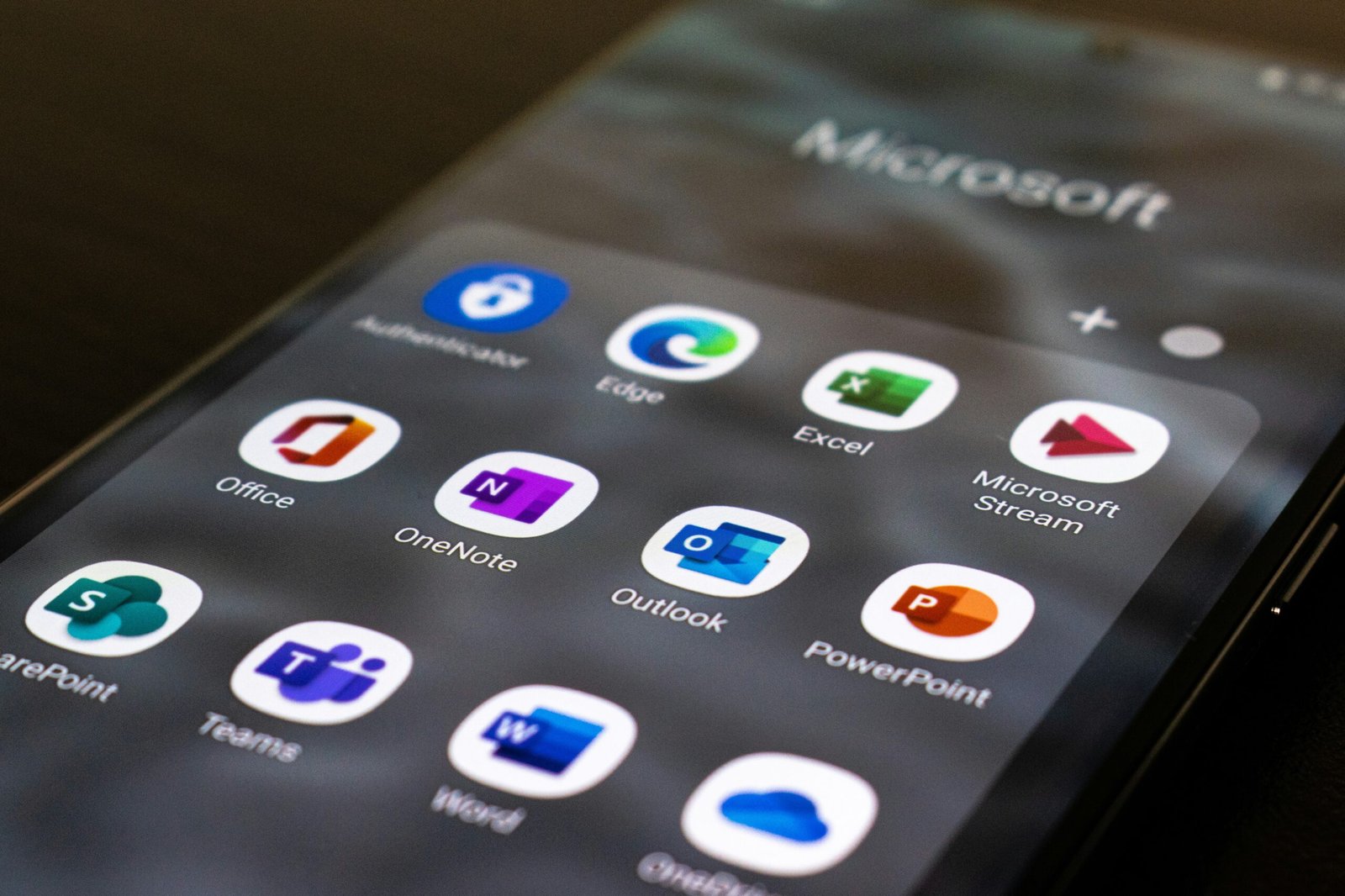
Microsoft OneNote is a useful option for students and professionals who regularly take digital notes. Users can create notebooks, sections, and pages to organize information. It can be used for meeting notes, research, study material, project information, and personal planning. Its integration with Microsoft’s ecosystem can also make it convenient for people already using Microsoft products.
Trello for Project Management
Trello uses boards, lists, and cards to help users organize projects visually. Each task can be moved through different stages, making it easier to understand project progress. It can be useful for individuals as well as teams working on content creation, marketing campaigns, software projects, and other workflows.
Slack for Team Communication
Slack focuses on workplace communication and collaboration. Teams can create channels for different projects or departments and share messages, files, and updates. Organizing conversations into dedicated channels can reduce unnecessary email exchanges and make important project discussions easier to find.
AI-Powered Productivity Features
AI is becoming an important part of productivity applications. Modern tools can assist with summarizing information, creating task suggestions, organizing notes, drafting content, and automating repetitive activities. These features can save time, but users should still review AI-generated information and avoid entering sensitive data into services that are not approved for confidential work.
Choosing the Right Productivity App
The best productivity app depends on your daily needs. Someone who mainly needs task lists may prefer a task manager, while a student may benefit more from a note-taking platform. Teams may need project-management and communication tools. Instead of installing too many applications, it is often better to choose a small set of tools that work well together and fit your routine.
Conclusion
Productivity apps can make everyday life more organized by helping users manage tasks, schedules, notes, projects, and communication. Tools such as Todoist, Google Calendar, Notion, OneNote, Trello, and Slack each serve different purposes. By choosing the right applications and using them consistently, people can reduce unnecessary distractions, manage their time better, and accomplish their daily goals more efficiently.